Double Check, Ensure the Sound System is Ready for Battle at the Event Location
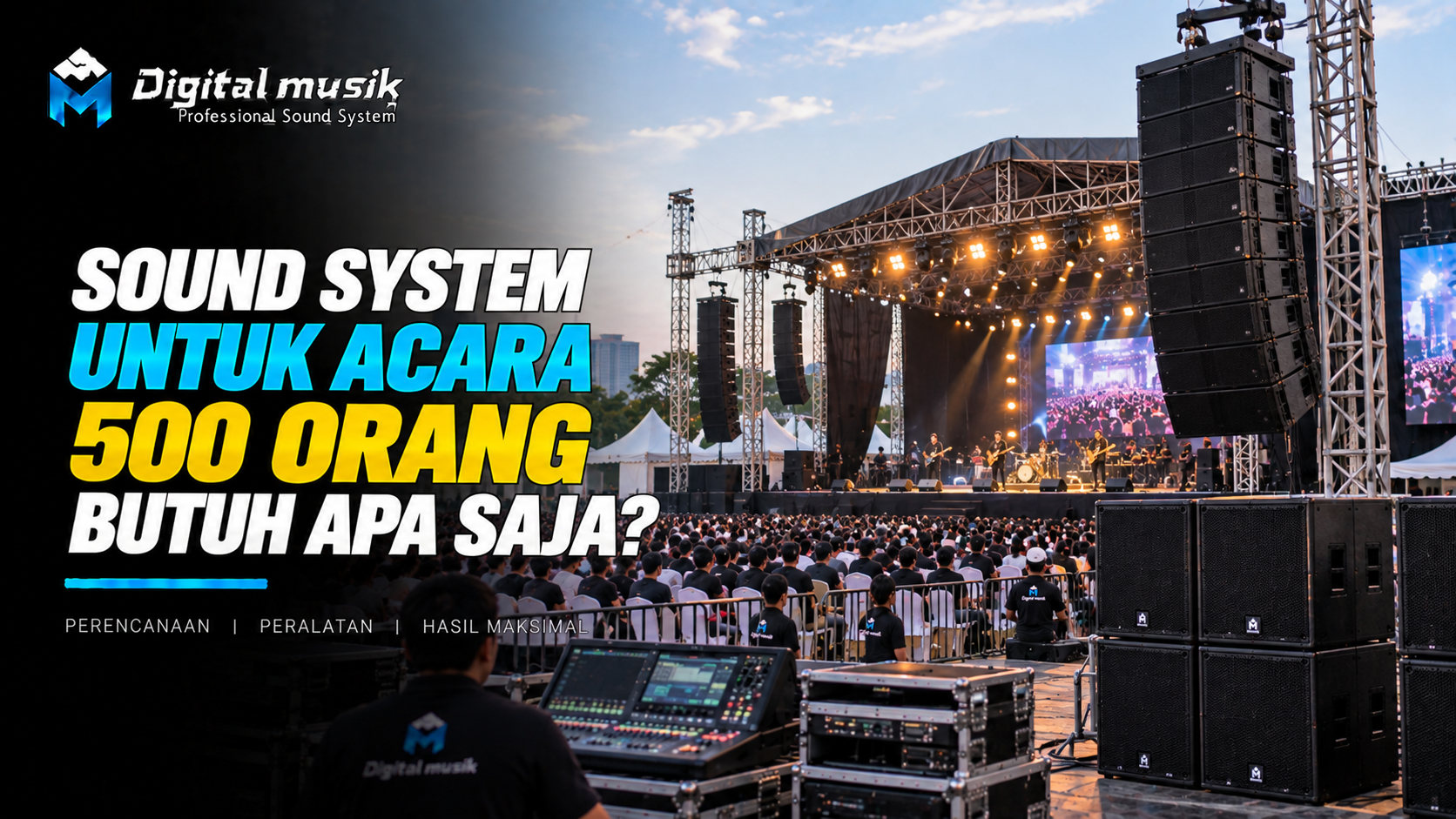
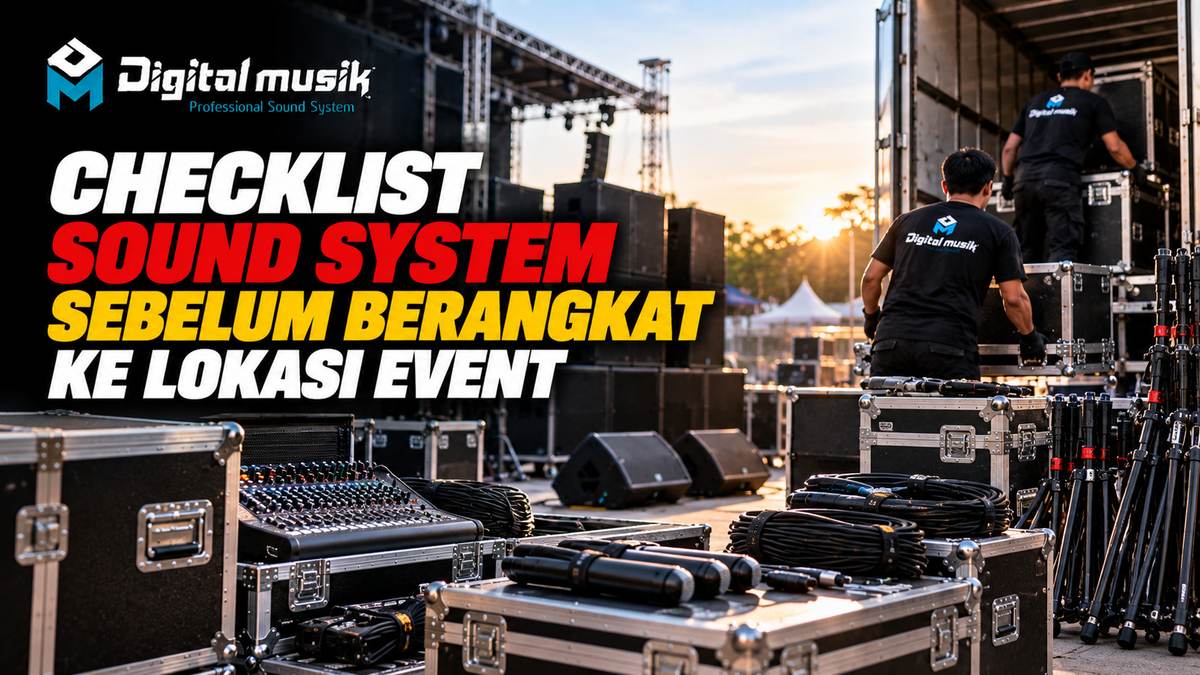
Organizing an event, be it a music concert, seminar, wedding, or corporate event, always demands thorough preparation. One crucial element that often determines success is the quality and readiness of the sound system. Imagine how disappointed the audience would be if the sound suddenly cracked, hummed, or even died completely in the middle of the event. To avoid such a nightmare, creating and following a sound system checklist before heading to the event location is a non-negotiable step.
This article will guide you through an essential checklist that every audio operator, technician, or anyone responsible for the smooth operation of the sound system at an event must follow. The goal is simple: to ensure all components function optimally and are ready for use upon arrival at the venue.
Why is a Sound System Checklist So Important?
Often, the hustle and bustle of event preparation make us rush. Sometimes, small components are overlooked, cables that look fine turn out to have connector issues, or microphone batteries are almost dead. A checklist acts as a safety net, ensuring that every detail, no matter how small, receives due attention. This is not just about preventing technical problems, but also about time efficiency at the event location, reducing stress, and ultimately, providing the best audio experience for the audience.
Sound System Checklist Before Departure: A Complete Guide
Here is a checklist that you can adapt according to the scale and type of your event:
1. Main Components: Speakers & Amplifiers
- Speaker (Main Speakers, Monitor Speakers, Subwoofers):
- Check physical condition: no dents, tears on the cone, or other damage.
- Function test: connect to the amplifier and play sound (music or test tone) to ensure all drivers (woofer, midrange, tweeter) produce normal sound without crackling or distortion.
- Check connectors: ensure they are securely attached and clean.
- Amplifier:
- Check indicator lights: ensure all are normal when powered on.
- Function test: connect to the speaker and play sound. Pay attention to the clip/limit indicators, ensure they do not stay lit continuously.
- Check cooling fan: ensure it rotates smoothly.
- Check input and output connectors.
2. Audio Mixer
- Physical Condition: Check all knobs, faders, and buttons, ensure none are loose or broken.
- Channel Function: Test each input channel (XLR, TRS, RCA) with a microphone or other audio source. Ensure gain, EQ, aux send, pan, and fader are functional.
- Output: Test main outputs (Main Out, Monitor Out, FX Send), ensure the signal is outputting well.
- Phantom Power (+48V): If using a condenser microphone, ensure this function is active and working.
- Power Supply: Ensure the adapter or power cable is in good condition.
3. Microphones & Accessories
- Microphones (Vocal, Instrument, Drum):
- Test each microphone by gently tapping or blowing into it (carefully) while connected to the mixer to listen for crackling or dead sound.
- Check the physical condition of the grill and microphone body.
- Microphone Cables (XLR):
- Check the physical condition of the cable, ensure there are no tears or breaks.
- Test each cable with a microphone and mixer: connect, play sound, gently wiggle the cable near the connector to detect crackling or breaks.
- Microphone Stands: Ensure they are sturdy, no broken parts, and the height adjustment mechanism works well.
- Microphone Clips: Ensure they match the microphone type and are securely attached.
- Batteries: For wireless microphones, ensure batteries are new and correctly installed. Bring sufficient spares.
4. Other Cables & Connectors
- Speaker Cables (Speakon, Jack): Test like microphone cables, ensure no breaks or loose connectors.
- Instrument Cables (Jack TS/TRS): Test function and physical condition.
- Power Cables: Ensure all power cables are in good condition, not frayed, and of adequate length. Bring terminals or extension cords if needed.
- DI Box (Direct Injection Box): If used, test its input and output functions.
- Power Distribution: Ensure the power strip or power distro brought is functioning well and safe.
5. Other Supporting Devices
- Equalizer (EQ), Crossover, Effect Processor: Test their input, output, and control parameters. `
- Media Player/Laptop: Ensure it functions well, has appropriate audio output, and the music to be played is ready. Bring relevant adapter cables (e.g., Jack 3.5mm to RCA/XLR). `
- Walkie-Talkie/Communication Devices: If the technical team is large, ensure communication devices are charged and functional.
6. Tools & Safety
- Toolkit: Screwdrivers, pliers, electrical tape, cable ties, multimeter, soldering iron (if emergency repairs are needed).
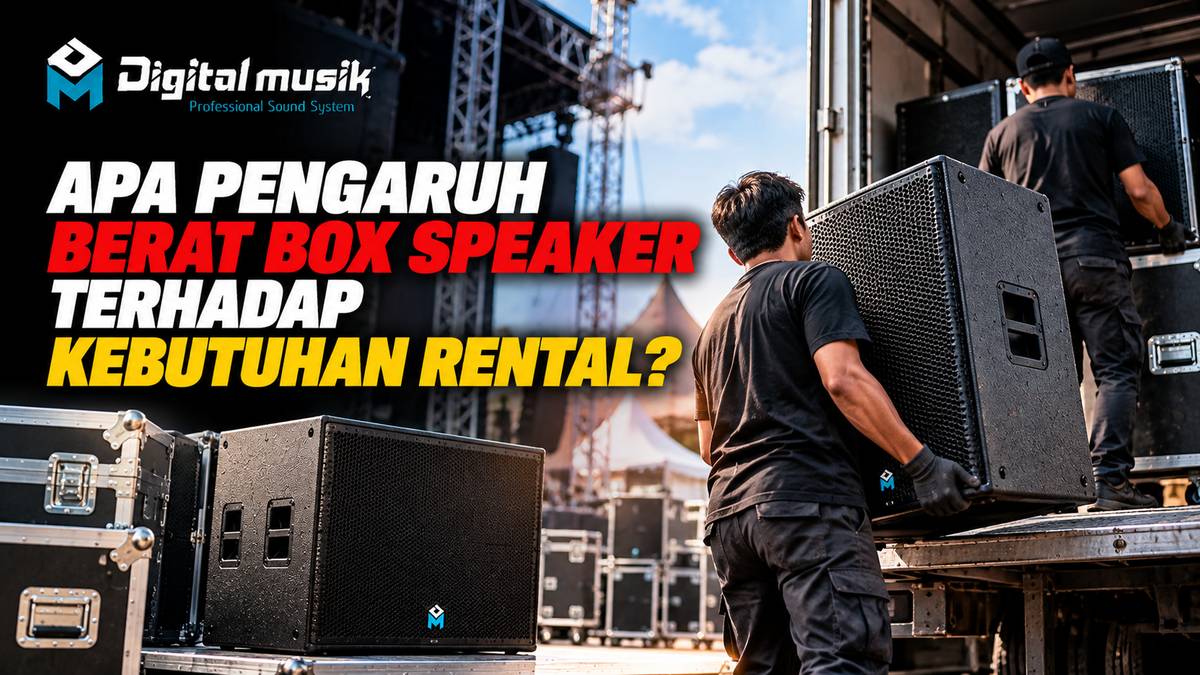
- Gloves: To protect hands when lifting heavy equipment.
- Flashlight: Very useful during setup in dimly lit venues.
- Duct Tape: Versatile for temporary repairs or securing cables.
Additional Tips for Smooth Operation
- Label Cables: Use labels or color codes to differentiate input, output, speaker, and power cables. This is very helpful for quick setup.
- Document: If possible, create a simple diagram of speaker placement and cable routing.
- Bring Spares: For the most crucial components such as microphone batteries, XLR cables, and power cables, always bring spares.
- Coordination: Ensure clear communication with the event organizer (EO) team, performers, and venue staff regarding stage requirements and layout.
Time to Contact Professionals
Although this checklist covers most important aspects, sometimes there are specific needs that require more in-depth expertise. For example, when you need custom audio solutions for a particular event, designing a sound system integrated with the venue, or even producing custom speaker cabinets that suit the room's acoustic needs. In such situations, collaborating with an experienced partner in the professional audio ecosystem can be the best solution.
PT Digital Musik Indonesia is here as your discussion partner for various professional audio needs. We can assist you in discussions regarding OEM speaker cabinets, custom speaker cabinets, production of flight cases and hardcases for equipment protection, and other custom fabrication. If you need in-depth consultation regarding optimal audio setup for your event or long-term project, our team is ready to help map out your needs.
Ensure every event runs smoothly with a prime sound system. Use this checklist as your guide, and do not hesitate to consult with experts if you have more specific or complex audio needs.
Ready to discuss your custom sound system needs or equipment protection?
Contact the Digital Musik team now for a free consultation and get the best offer.