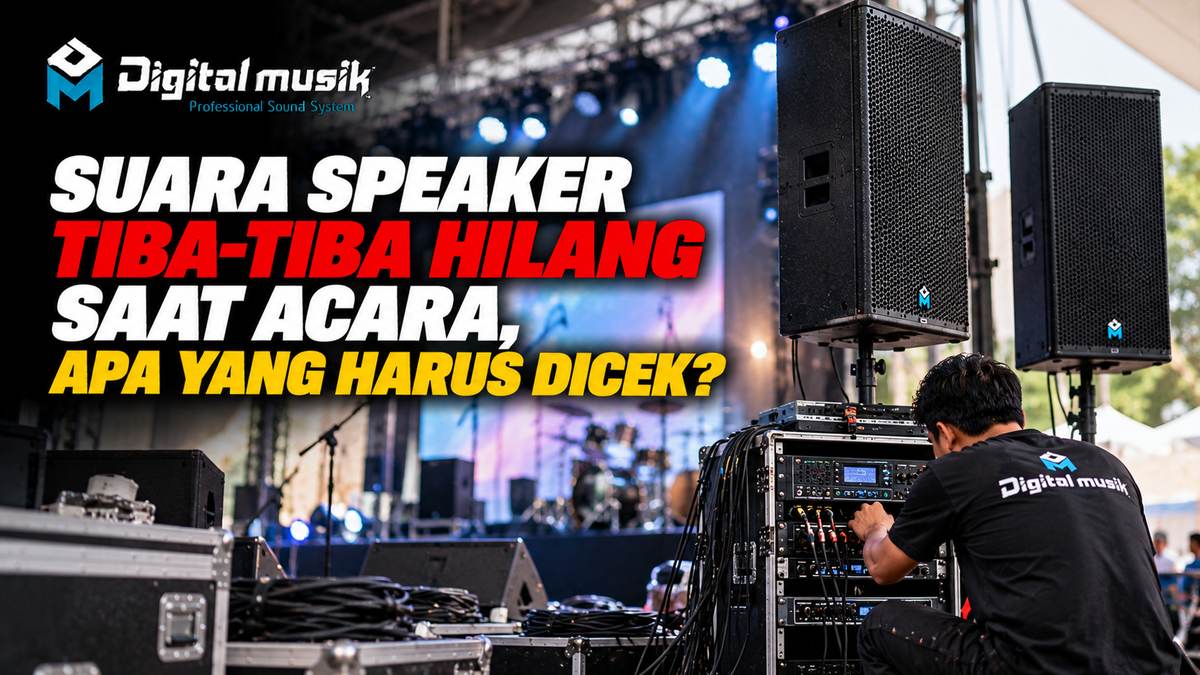
Suddenly losing speaker sound in the middle of an event is every audio operator's nightmare. This situation can severely disrupt the event, from important presentations to music performances. However, before panicking, there are several basic checks you can quickly perform to identify and possibly fix the problem.
This article will guide you through practical steps to diagnose the cause of lost speaker sound during an event, focusing on checks that can be done on-site.
Quick Steps to Resolve Lost Speaker Sound
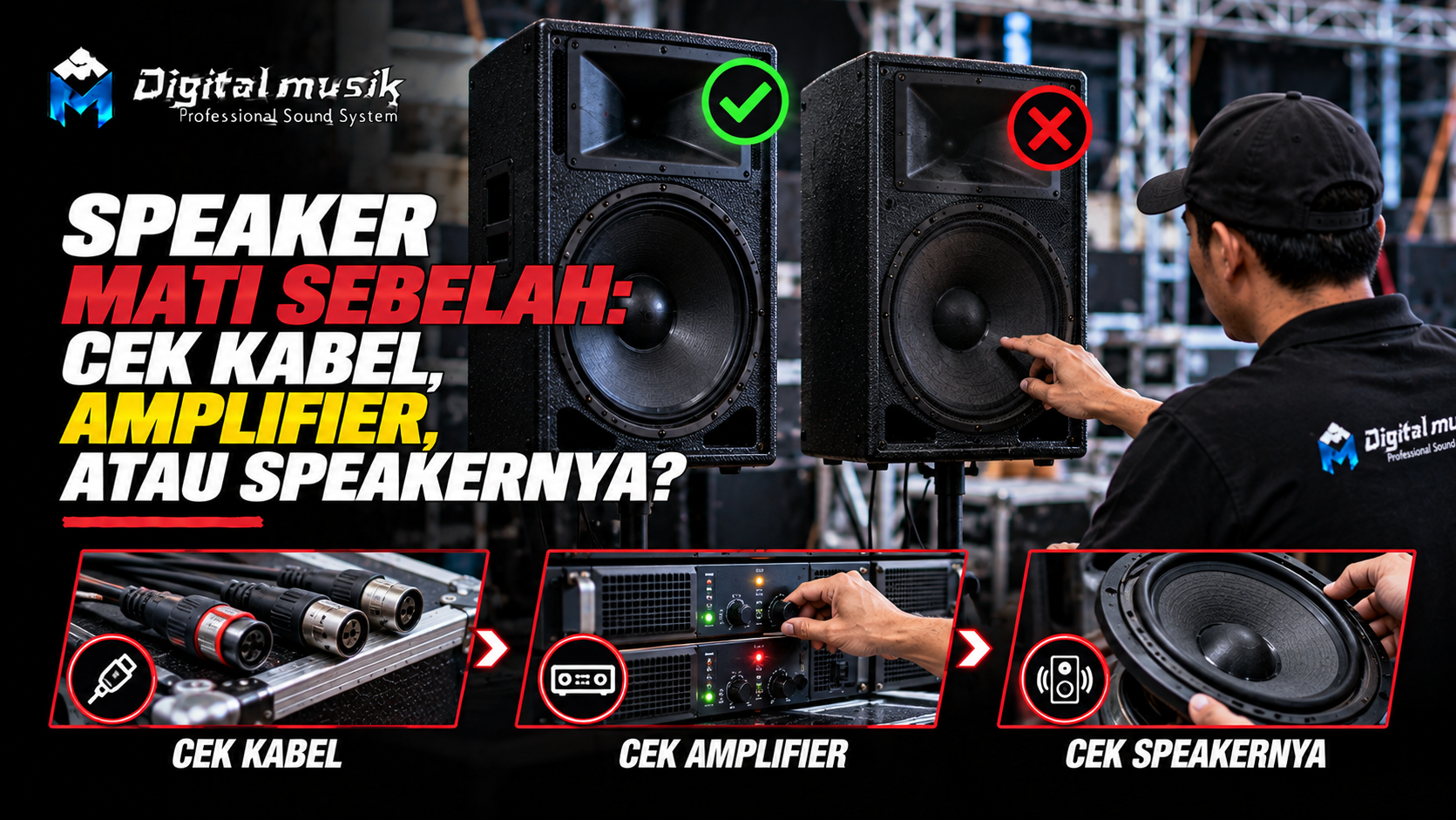
When speaker sound suddenly dies, the top priority is to restore audio functionality as quickly as possible. Here is the recommended order of checks:
- Check Cable Connections
- Check Audio Source
- Check Mixer and Amplifier Settings
- Check Mute or Solo Mode
- Check Other Speakers or Different Channels
- Check Power Supply
- Check the Speaker Itself (Driver)
1. Check Cable Connections
This is the most common and easiest cause to fix. Loose, disconnected, or damaged cables can immediately cut off the audio signal flow.
- Speaker Cables: Ensure the cables from the amplifier to the speaker are properly and securely connected at both ends. Check for any physical damage to the cables, such as fraying or being stepped on.
- Signal Cables (XLR/TRS): If you are using active speakers or a more complex system, check the cables connecting the mixer to the speakers (or to the active speaker input). Ensure the connectors are perfectly seated.
Tips: Try replacing the cable with another one you know works well if possible. This will help isolate whether the problem is with the cable or another component.
2. Check Audio Source
Ensure the audio signal is still flowing from its source. The audio source could be a laptop, music player, microphone, or other device connected to the mixer.
- Try playing audio from another source to see if the problem lies with the source device.
- Check the volume on the source device, ensuring it is not muted or set too low.
3. Check Mixer and Amplifier Settings
Incorrect settings on the mixer or amplifier are often the culprit.
- Mixer: Check the fader (volume) for the channel outputting sound to the problematic speaker. Ensure it is not muted or set to the lowest position. Also, check the master fader.
- Amplifier: Ensure the amplifier is turned on and the volume on the amplifier is not set too low or muted. Check the indicators on the amplifier for any lights indicating a problem (e.g., clip or protection).
4. Check Mute or Solo Mode
On digital or more advanced analog mixers, it's possible that a specific channel or output was accidentally muted or put into solo mode.
- Ensure no 'Mute' or 'Solo' buttons are active on the channel that should be outputting sound to that speaker.
5. Check Other Speakers or Different Channels
To isolate the problem, try routing the audio signal to another speaker or using a different output channel.
- If you have a spare speaker, try connecting it to the same amplifier or mixer output. If the spare speaker produces sound, the problem is most likely with the main speaker.
- If you are using different outputs on the mixer (e.g., L output to the left speaker, R output to the right speaker), try swapping the cables. If the problem shifts to the other side, this indicates a problem with the mixer output or amplifier on that side.
6. Check Power Supply
Both active speakers and amplifiers require electrical power to operate.
- Ensure the power cable is properly connected to the outlet and the device.
- Check if the outlet is working correctly (try plugging in another device).
- If using a power strip or stabilizer, ensure it is also functioning properly.
7. Check the Speaker Itself (Driver)
If all connections and settings are correct, the problem is likely with the speaker components themselves.
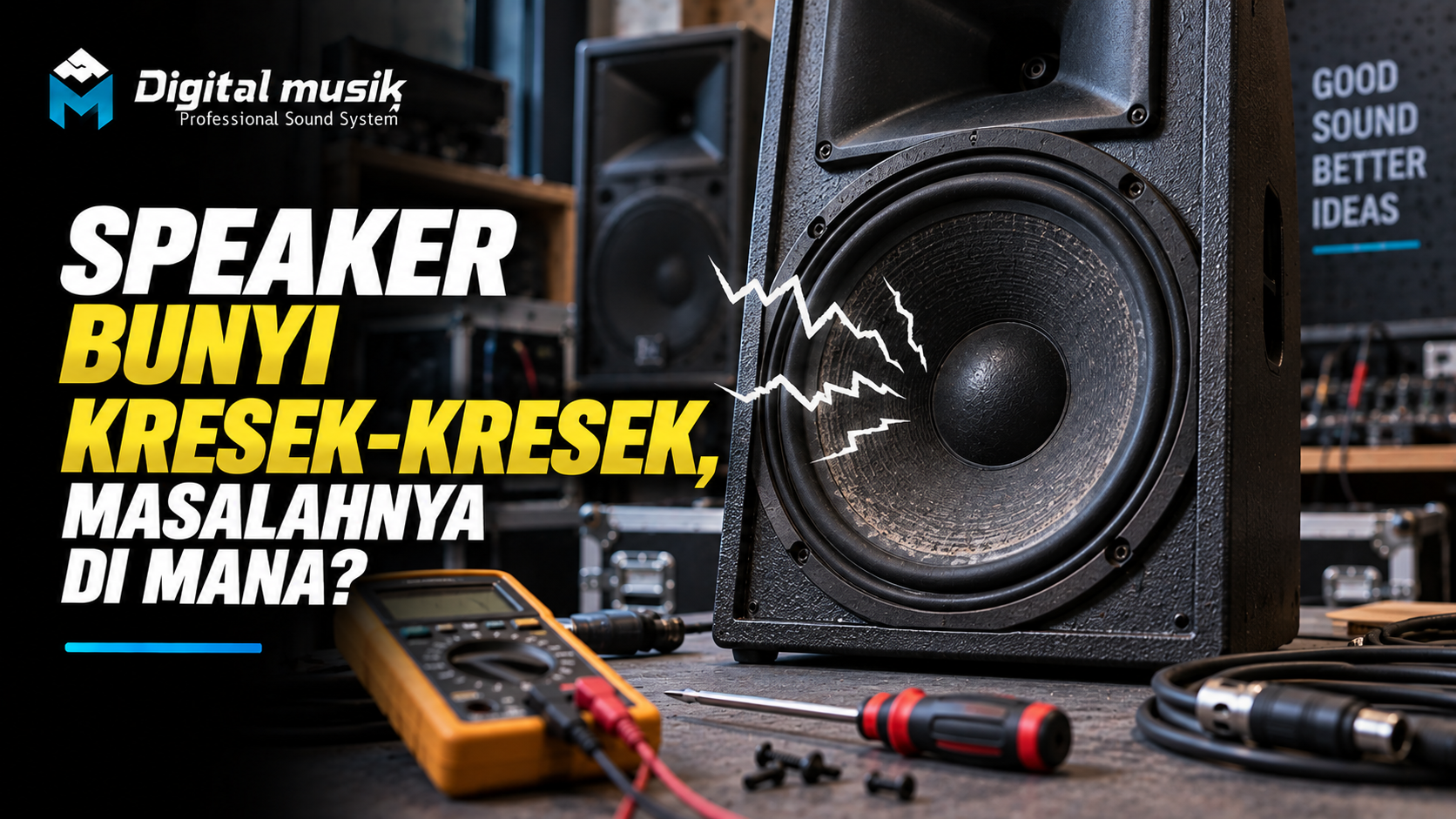
- In passive speakers, the driver (woofer or tweeter) might be burnt out or damaged. This usually occurs due to overloading or improper use over a long period.
- In active speakers, the problem can be more complex, involving the internal power supply, internal amplifier, or crossover.
When to Seek Professional Help?
If after performing the basic checks above the speaker sound still hasn't returned, or if you find physical damage to speaker components, it's time to seek professional help. Experienced audio technicians can perform a more in-depth diagnosis, including checking the internal components of the speaker or amplifier.
For those who frequently deal with professional audio needs, from device selection to custom production, PT Digital Musik Indonesia can be a relevant discussion partner. We understand the professional audio ecosystem and can assist you in various aspects, including technical consultation to ensure your audio system runs optimally.